Best Resin for 3D Printing Miniatures (2026): Best for Gaming Minis
15 min
- How Different Resin Types Affect Miniature Quality
- Best Resin for Miniatures: Top Use-Case Picks
- Choosing The Best Resin for Miniatures Based on Your 3D Printer
- Tips for Printing High-Quality Resin Miniatures
- Resin Miniatures for Wargaming and Tabletop Play
- Conclusion: Choosing the Right Resin for Your Miniatures
- FAQ: Resin for Miniatures
3D printing resin miniatures can be incredibly fun. But it can also be frustrating, especially when the resin doesn’t cooperate.
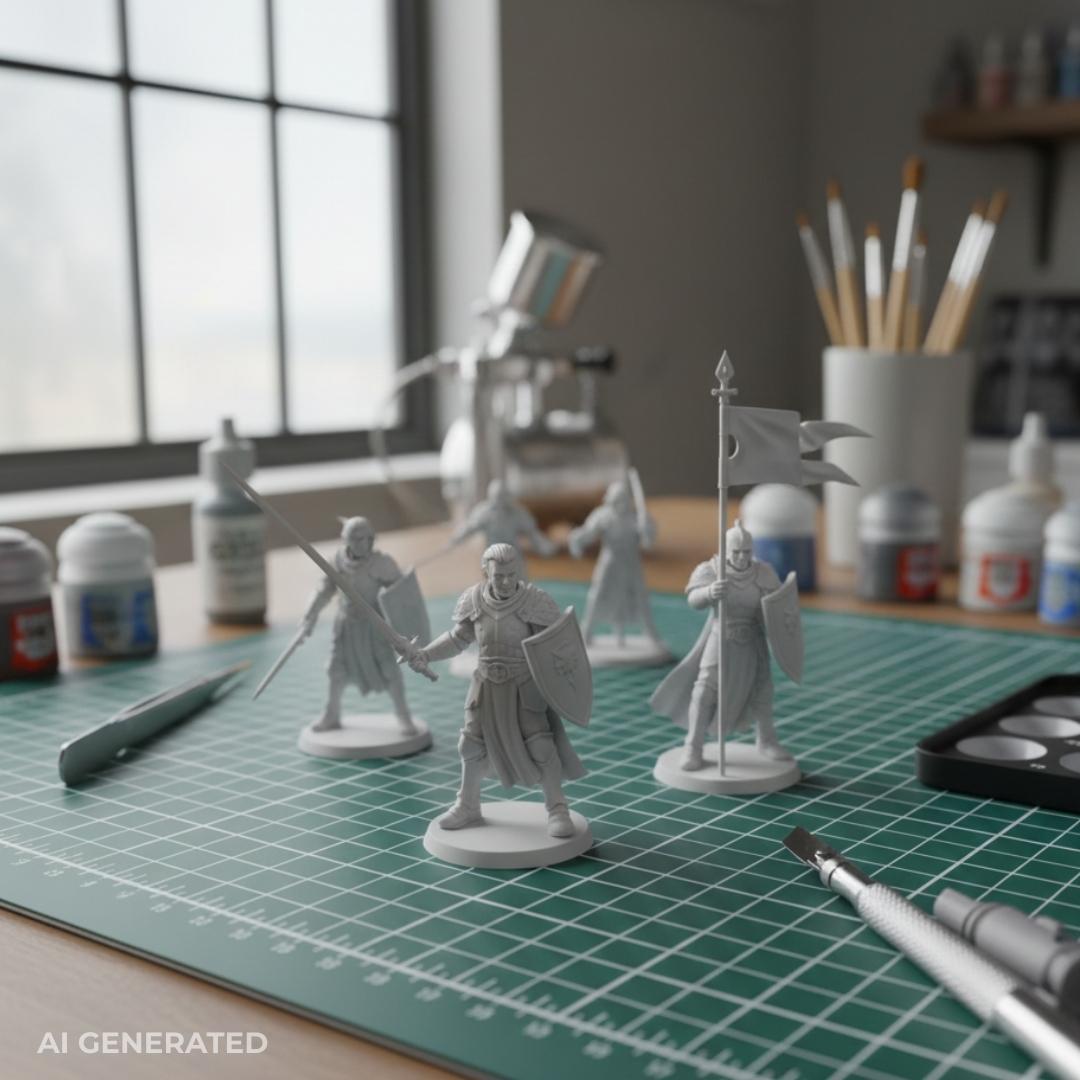
One of the first issues people run into is resin choice, trying to find out the best resin for miniatures. Some resins are too brittle, snapping at thin swords or outstretched arms. Others hold up better but lose the fine surface detail that makes miniatures worth printing in the first place. At this scale, there’s very little margin for error, and the wrong resin can turn great models into fragile or muddy-looking prints.
At JLC3DP, we have tested a lot of different resins and found some that balance detail and toughness so resin print miniatures look sharp and hold up on the tabletop.
If this guide helps, explore more of our 3D printing resources for practical insights on materials and workflows like which resin is best for 3D printing fine details vs functional details.
How Different Resin Types Affect Miniature Quality
Not all resins behave the same once printed, painted, and handled. The right choice depends on whether the model is meant for display, active gameplay, or somewhere in between.
Standard Resin
Standard resin offers the smoothest surface finish and the sharpest detail, making it ideal for display miniatures and showcase pieces. Fine textures, faces, and ornamental details come out clean, but the tradeoff is brittleness. Thin weapons and small protrusions can snap easily, which limits their sefulness for frequently handled models.
Best for: Display minis, painting competitions
Downside: Fragile for regular gameplay
ABS-Like Resin
ABS-like resins add flexibility and impact resistance without sacrificing too much detail. This makes them a popular choice for wargame resin, where miniatures are moved, dropped, and stored regularly. Parts are less likely to snap, and assemblies hold up better over time.
Best for: 3D printing gaming miniatures, tabletop use
Downside: Slightly softer detail than standard resin
For a deeper look at how resin formulations change strength and surface finish, our comparison of 9600 vs 8111X shows how material chemistry affects real-world results.
Tough & Impact-Resistant Resins
Standard resins tend to be brittle and can crack or snap under impact, but tough variants are built to bounce. The higher price tag is a fair trade for resin printed miniatures that actually survive a drop or a rough commute in a transport bag. While you might lose that absolute "razor-edge" detail, the structural integrity is a must-have for large models or anything with spindly, exposed weapons.
Best for: High-traffic gaming minis and heavy travel.
The Catch: Premium cost and slightly softer detail.
Flexible & Hybrid Blends
Snapping a sword during painting is a rite of passage no one wants. Flexible resins solve this by adding "give" to fragile parts like banners and antennae. Instead of printing pure flex, which can be a nightmare, most veterans mix a splash of flexible resin into their standard ABS-like bottles. This "homebrew"mix (custom blend) adds durability without turning the model into a rubber toy.
Best for: Ultra-thin details and custom-mix experiments.
The Catch: Expect some trial-and-error with exposure settings.
Comparison summary table
| Resin Type | Detail | Durability | Best For | Notes |
| Standard Resin | ⭐⭐⭐⭐⭐ | ⭐⭐ | Display minis | brittle |
| ABS-like | ⭐⭐⭐⭐ | ⭐⭐⭐⭐ | tabletop gaming | good balance |
| Tough resin | ⭐⭐⭐ | ⭐⭐⭐⭐⭐ | transport-heavy | more expensive |
| Flexible mix | ⭐⭐⭐ | ⭐⭐⭐⭐ | thin parts | needs tuning |
If you’re still on the fence about resin in general, we’ve broken down the real differences between resin and filament printing, and why miniatures push resin so much harder.
Best Resin for Miniatures: Top Use-Case Picks
Forget finding a "holy grail" resin, it doesn't exist. You’re basically just trading off between pure eye-candy and how much abuse the model can actually take. If a mini is just a "shelf queen" meant for a glass case, go ahead and hunt for ultra-detail resins that catch every microscopic scratch.
But for the stuff getting tossed into foam bags for Friday night games? You’d be crazy not to swap some of that crispness for a blend that won't explode into shards the second a table gets bumped.
Best Overall Resin for Miniatures
If you want one miniature resin that handles 90% of prints, go for a balanced blend. You want something that lands in the sweet spot between glass-brittle detail resins and the overly rubbery tough stuff. These formulas keep those crisp armor edges intact but still have enough "give" to survive a casual bump or a trip in a carrying case without snapping into pieces.
They’re ideal if you:
1. Print both display and gaming miniatures
2. Want clean faces and armor edges without constant breakage
3. Use a typical resin 3D printer for miniatures with standard exposure ranges
Example types to look for: “balanced” or “general-purpose” miniatures resins (e.g., Anycubic Standard, Elegoo Standard, or similar mid-range formulas).
These resins work well as a default choice when you don’t want to swap materials for every project.
Best Resin for Gaming Miniatures
Gaming minis live a hard life. They’re picked up constantly, knocked over, transported, and occasionally dropped. For this use case, durability matters more than absolute sharpness.
A good wargame resin prioritizes:
1. Increased impact resistance
2. Slight flexibility at thin cross-sections
3. Better survival for weapons, limbs, and banners
These resins sacrifice a small amount of edge sharpness in exchange for minis that stay intact across many games. For armies and frequently used characters, this swap is almost always worth it.
Example types to look for: ABS-like or impact-resistant miniatures resins (e.g., Siraya Tech Fast, Elegoo ABS-Like, or similar toughness-focused formulations).
Best Resin for Ultra-Fine Detail
For display pieces and showcase models, detail comes first. Ultra-fine detail resins are stiffer and harder, allowing them to capture sculpted faces, engraved armor, and subtle textures with maximum clarity.
They work best when:
1. The miniature is primarily for painting or display
2. Handling is minimal
3. Print orientation and supports are carefully planned
The downside is brittleness. Thin parts are more likely to snap, which makes this resin type a poor fit for active tabletop play but excellent for visual quality.
Example types to look for: High-detail or “display” resins (e.g., Formlabs Standard or Anycubic 4K/8K detail-focused resins). These tend to be stiffer and produce cleaner surfaces.
Best Beginner-Friendly Resin
For newcomers, the biggest challenge is consistency. Beginner-friendly resins are designed with wider exposure tolerances and easier post-processing, reducing failed prints while learning.
These resins are ideal if you:
1. Are new to resin printed miniatures
2. Want simpler washing and curing
3. Need fewer reprints while dialing in settings
While they may not offer the highest detail or toughness, they provide a smoother learning curve and more reliable early results.
Example types to look for: “easy print” or “beginner” resins (e.g., Elegoo Standard or Anycubic Standard formulas). These tend to have forgiving exposure windows and more predictable results.
Choosing The Best Resin for Miniatures Based on Your 3D Printer
Even the best resin for miniatures that performs beautifully on one machine can frustrate you on another. Resin printing isn't just a mechanical process; it’s a finicky chemical reaction. Everything hinges on how UV light hits the vat and how that material holds up while being yanked, scrubbed, and baked.
Essentially, your LCD screen or laser "cooks" the liquid into a solid, building the model one microscopic layer at a time. If the chemistry or the light timing is off, the whole thing falls apart before it even leaves the build plate. That means some of the printer’s factors influence how well a resin performs and we’ve discussed them below.
Resin Compatibility with SLA / MSLA Printers
The biggest compatibility factor is resolution. A resin 3D printer for miniatures with a 4K screen can produce sharp results. Pixel density (XY resolution) matters more than the ‘4K/8K’ label. But it won’t resolve the same level of micro-detail as an 8K machine. That doesn’t mean 4K is bad; it just means you should choose resins that match what your printer can realistically resolve.
Printer capability matters just as much as resin choice, especially for fine detail, which is why we put together a guide to the best resin printers for miniatures in 2026.
Exposure behavior also matters. Some resins cure quickly and require shorter exposure times, while others need longer exposure to properly bond layers. If the resin cures too aggressively, it can cause “light bleed,” where detail softens or small features fuse. If it’s underexposed, layers won’t bond properly, leading to delamination or weak prints.
You can print one perfect mini at home. The problem is printing ten, twenty, or fifty without any of them cracking, warping, or losing detail. That’s the part most hobbyists don’t realize until it’s too late. For many, turning towards professional services proved to be better. You can get a quick quote here and save your prints from inconsistency.

Resin Viscosity & Detail Capture
Viscosity affects how well resin flows around fine details and how cleanly it peels from the FEP during the lift. High-viscosity resins can increase suction forces and make tiny cavities harder to drain, which may affect print success and surface clarity.
Thick resin is a nightmare for supports; it cranks up suction forces during the lift, often warping thin parts or pulling them off the plate entirely. For minis, the sweet spot is a thin consistency that flows back into place fast. High-detail specialty resins are often thicker and more temperamental, requiring a warm workspace and slower speeds to avoid a failed vat of cured goop.
Best Support Settings for Miniature Resin Printing
Resin choice changes how supports behave. Tougher resins can flex more, making supports less likely to snap during removal. Stiffer resins, while detailed, can be more difficult to remove cleanly without leaving marks or tearing fragile sections.
For clean support removal:
1. Use thinner supports for detail areas and thicker supports for load-bearing points
2. Increase contact size slightly on tougher resins
3. Orient models to reduce overhangs and long unsupported spans
4. Consider a support material that peels away cleanly and doesn’t leave a rough surface
Ripping supports off a fresh print can feel like a gamble. If you’re churning out armies, your support strategy matters just as much as the resin in your vat. Honestly, figuring out the best material for printing miniatures is usually what separates a clean, paint-ready sculpt from a pile of scarred, broken plastic. It’s never just about the software settings; it’s about making sure those supports actually hold the weight without butchering the surface finish.
Tips for Printing High-Quality Resin Miniatures
Truth is, most failed prints die in the "small stuff." It’s rarely the printer’s fault, it's usually bad orientation, lazy support placement, or rushing the wash-and-cure. That’s where you’ll lose your best models, but it’s also where you can get the fastest wins. Dial in these boring prep steps, and your quality will skyrocket overnight.
Orientation and Layer Height
A common mistake is assuming “higher resolution” equals “better detail.” In miniature printing, the real issue is how the model meets the build plate and how the layers stack.
Practical rule:
1. Thin parts should face upwards, not sideways.
2. Angle the mini 20–30 degrees, not straight up, to reduce suction forces.
3. Use 0.025–0.04 mm layer height for faces and armor texture.
Your mini’s orientation affects detail more than your layer height. If you print a face directly perpendicular to the screen, the layers can flatten features and blur details. A slight angle lets the layers “stack” in a way that preserves the shape instead of grinding it into a staircase.
Support Placement for Miniatures
Supports aren’t just there to hold the model up, they’re there to prevent peeling forces and detail loss. Are the supports absorbing stress or transferring it to the minis?
Support rules that actually work:
1. Place supports on flat surfaces, not tiny edges.
2. Avoid supports on faces or armor edges whenever possible.
3. Use two small supports instead of one thick one on fragile limbs.
4. Add supports to the underside of long weapons, not the tip.
Most failed minis don’t break because the resin is bad. They fail because the supports pull on thin areas during peeling. You can fix a lot of failures by adjusting support placement, not by changing resin.
Post-Processing: Washing and Curing
This is where a lot of people accidentally ruin a perfect print.
Washing:
1. Too long, and you soften details.
2. Too short, and uncured resin remains, which show up later as sticky spots or detail loss.
Curing:
1. Over-cure standard resins and they become brittle, snapping at weapons and thin parts.
2. Under-cure and the surface stays slightly soft and can deform when handled or painted.
A practical trick most people miss:
1. If your mini looks sharp but feels slightly rubbery, it’s under-cured.
2. If it snaps too easily, it’s over-cured.
3. The goal is a clean, firm surface with a tiny amount of spring, not glass, not rubber.
Avoiding Common Miniature Print Failures
If you’re printing 3d printing gaming miniatures, you’ll run into the same failures again and again. Here are the ones that matter most:
1. Tiny details disappear
Usually caused by overexposure or too many supports on detail areas.
Fix: lower exposure slightly and move supports away from faces.
2. Weapons and thin parts snap
Usually caused by brittle resin or a weak support setup.
Fix: use a tougher resin or add more supports to the base of the weapon.
3. Layer lines visible on faces
Usually caused by bad orientation or too thick layers.
Fix: angle the model and lower the layer height.
4. Warping and lifting
Usually caused by high suction forces.
Fix: reduce lift speed, increase exposure slightly, and adjust orientation.
Home printing is amazing, but it’s not built for consistent batch production. If you want armies of minis that all look the same, feel the same, and survive the table, the hardest part is maintaining the same process across multiple prints.
If your minis are still failing despite tuning settings, this breakdown of common resin print failures and their fixes covers the issues most people run into sooner or later.
Resin Miniatures for Wargaming and Tabletop Play
This section focuses on resins that can survive real tabletop use: movement, storage, handling, and the occasional drop.
Durability Needs for Wargame Miniatures
Wargame minis get picked up constantly, shoved into trays, and bumped during play. That means your resin needs to resist snapping at thin points like weapons, banners, and outstretched arms. Toughness matters more than the last bit of surface crispness.
Resin Choice for Frequently Handled Pieces
For minis that will be handled often, choose wargame resin that adds impact resistance and slight flexibility. It won’t look as glass-sharp as display resin, but it will survive real gameplay without losing parts or cracking during transport.
Conclusion: Choosing the Right Resin for Your Miniatures
Display pieces demand stiff resins that can hold a razor-sharp edge and microscopic texture. But for gaming, that same resin is a liability, you’re better off with a "tough" blend that actually flexes when someone knocks it over. It’s always a tug-of-war between detail and durability.
Most people start with a forgiving, balanced resin while they’re still learning the ropes, then move into specialized "glassy" or "rubbery" bottles once they figure out what their specific hobby style requires.
However, if the goal is a massive army without the headache of troubleshooting settings, outsourcing is a legitimate shortcut.
Using an affordable service like JLC3DP for batch printing provides consistent, table-ready results without the equipment maintenance. It shifts the workload away from technical calibration and back to painting and gaming.
FAQ: Resin for Miniatures
Q1: What is the best resin for 3D printing miniatures?
A: A resin that balances detail and durability, fine enough for faces and texture, but tough enough for handling.
Q2: Is standard resin strong enough for gaming minis?
A: Standard resin can work, but it’s more likely to snap on thin parts. Tougher resins are safer for gaming use.
Q3: What resin is best for D&D or tabletop miniatures?
A: A resin that holds detail but has enough toughness to survive handling and storage. Many gamers prefer an impact-resistant or ABS-like resin.
Q4: Can beginners use resin safely for miniatures?
A: Yes, with basic safety steps like gloves, ventilation, and careful post-processing. Beginner-friendly resins also help reduce failed prints.
Keep Learning
Best Resin Printer for Miniatures in 2026
Choosing the best resin printer for miniatures in 2026 comes down to one thing: detail per dollar. After a hands-on review of this year's leading SLA and 4K/8K LCD resin printers, we ranked the top picks for D&D, Warhammer, and tabletop terrain — from a $149 beginner machine to an 8K showcase rig. This guide covers resolution (4K vs 8K), build volume, resin choices, and a buyer's checklist, so you can print crisp minis without overspending or drowning in failed prints. Why Resin 3D Printers Are Best f......
Strongest Resin for 3D Printing (2026): Tough vs High Strength Resins Compared
When people ask for the strongest resin for 3D printing, what they usually mean is “the strongest for my part.” A rigid bracket, a snap-fit enclosure, and a heat-exposed fixture all fail in different ways. This guide breaks it down clearly. What Is the Strongest Resin for 3D Printing? In pure tensile and flexural testing, high strength engineering resins are typically the strongest SLA resin options available. However, in real-world applications, parts often fail from impact, repeated stress, or stres......
ABS-Like Resin vs Standard Resin: The Definitive Guide to Material Choice & Performance
Key takeaways Standard Resin: High stiffness, extreme brittleness, best for static visuals. ABS-Like Resin: High elongation, exceptional impact resistance, mandatory for snap-fits. Near-Isotropic Advantage: Unlike FDM-printed authentic ABS which suffers from weak interlaminar (Z-axis) bonds and anisotropy, SLA ABS-like resin cures via liquid cross-linking, providing near-isotropic advantage and uniform multi-directional strength. Water Washable Resin: Zero IPA needed, eco-friendly workflow, but sacrif......
Best Flexible Filament for 3D Printing: TPU vs PEBA vs TPE
You're staring at three flexible filament options and they all claim to be "flexible." That word covers a lot of ground. A phone case grip and an airless basketball both need flexibility, but they need completely different things from it. This guide breaks down what actually separates TPU, PEBA, and TPE so you pick based on what your part needs to do, not just what's available. What Is the Best Flexible Filament for 3D Printing? The softest 3D printing material depends entirely on the application. TPU......
What Is 9000HE Resin? The High Strength SLA Engineering Resin Explained
What Is 9000HE Resin? The High Strength SLA Engineering Resin Explained Most SLA resins are designed for one thing: looking good. Smooth surface, fine detail, accurate geometry. That's where the technology excels and that's what most resin materials are optimized for. 9000HE wasn't designed for that. It was designed for the parts that actually have to do something, carry load, survive assembly, hold up in functional testing, and behave like an engineering material rather than a display model. If you'v......
Which Resin Is Best for 3D Printing Fine Details vs Functional Parts?
Resin 3D printing is often marketed as a single category, but in practice, the resin you choose matters more than the printer itself. A photosensitive resin optimized for ultra-fine surface detail behaves very differently from a resin designed for load-bearing or heat-resistant parts. Treating them as interchangeable is one of the most common reasons resin prints fail to meet expectations. When comparing 3D printing resin types, the real question isn’t which resin is “best” overall, it’s what the part......