ABS vs PC vs PC-ABS: Which Is Best for 3D Printing?
13 min
- What Is ABS?
- What Is PC?
- What Is PC-ABS?
- ABS vs PC vs PC-ABS: Head-to-Head Comparison
- Printability: Where the Three Really Differ
- Cost: ABS vs PC vs PC-ABS
- The PC-ABS Blend as a Production Material
- Which Should You Choose?
- FAQ about ABS vs PC vs PC-ABS
- The Decision, Restated
Key Takeaways
- The ABS vs PC vs PC-ABS decision comes down to one trade: PC gives you roughly 35–40°C more heat resistance and higher stiffness; ABS prints more easily and costs less; PC-ABS trades a little of each extreme for the most balanced printing experience.
- PC leads on heat resistance (~125–130°C vs ~85–95°C for ABS) and stiffness, with impact resistance as its signature trait — "strongest" depends on which property and grade you compare — but it demands the hottest, most enclosed, least forgiving printing setup.
- ABS remains the pragmatic choice for general prototypes and enclosures: cheaper spools, moderate printing requirements, and acetone-vapor smoothing as a finishing option.
- PC-ABS, the blend, exists precisely because both pure materials leave a gap: PC's heat and impact performance with ABS's printability. JLC3DP offers it as a production FDM material with lab-tested figures (HDT 106°C) on file.
- Neither pure material handles outdoor UV well — ASA is the answer there. And if your printer cannot hold the temperatures any of the three needs, a print service with engineering FDM capability is the practical route.
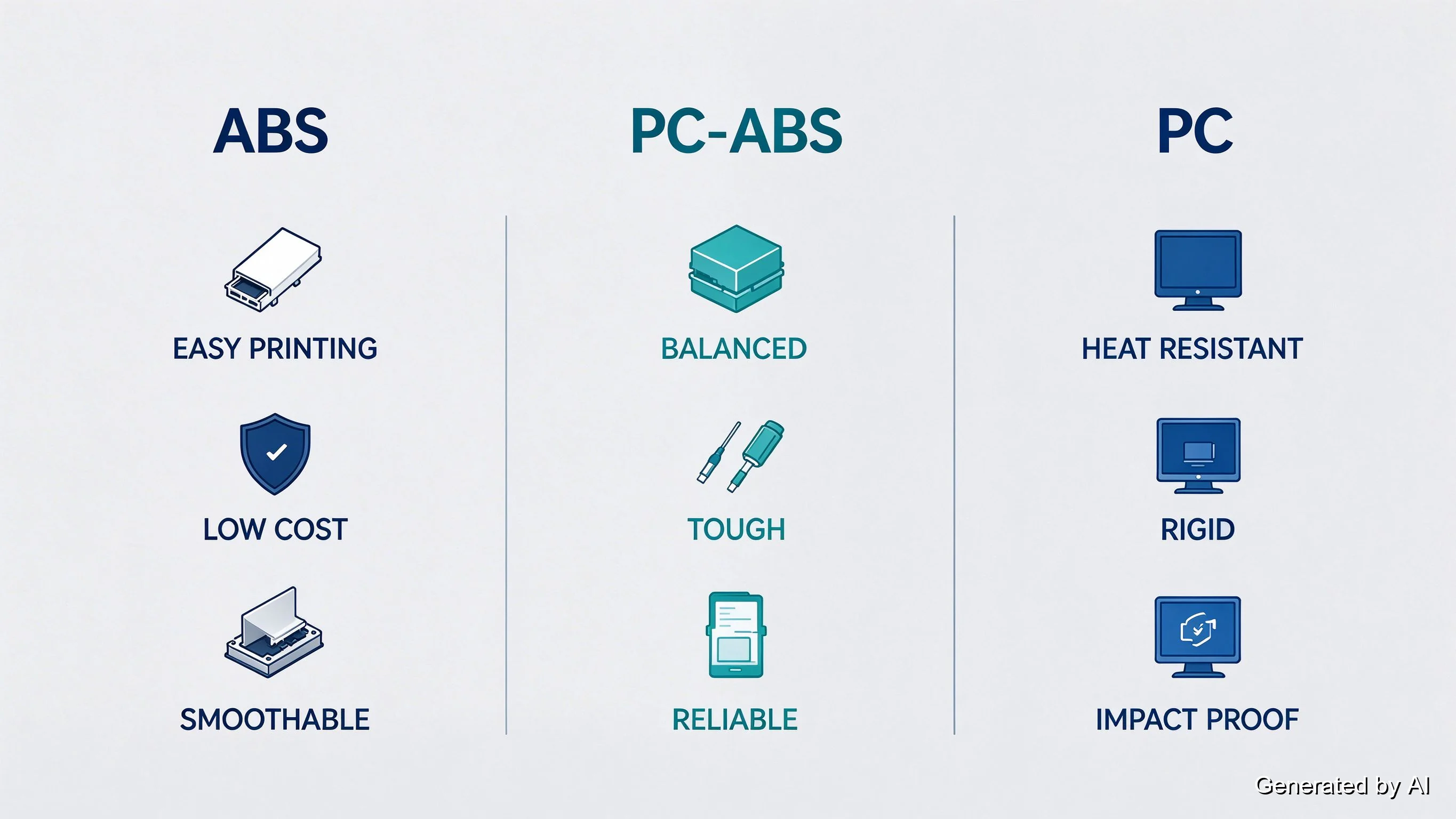
Choose ABS when printing ease and cost lead your list; choose PC when heat, stiffness, and load lead it; choose the PC-ABS blend when you want one material that covers the middle. That is the whole ABS vs PC vs PC-ABS decision in one sentence. The rest of this guide is the evidence behind it: all three materials compared head-to-head, their real differences on a 3D printer, their costs side by side, and a decision table you can act on.
What Is ABS?
ABS (acrylonitrile butadiene styrene) is a terpolymer (three building blocks in one plastic) that has been a manufacturing staple since the mid-twentieth century. LEGO bricks, appliance housings, and car interior trim are all classic ABS parts, which tells you the character: tough enough for daily handling, cheap enough for mass production, and stable enough to hold shape indoors for years.
In 3D printing, ABS earned its place as the first widely used engineering filament. It prints at moderate hot-end temperatures (230–250°C is the usual starting window), can be smoothed with acetone vapor, and produces parts with better heat tolerance than PLA or PETG — around 85–95°C heat deflection temperature for unfilled grades. Its weaknesses are just as well known: parts warp as layers cool and shrink, the process smells, and parts left outdoors weather quickly.
The fundamentals, from what it is made of to safety notes and brand considerations, are covered in our ABS filament key facts guide; this page focuses on how ABS stacks up against PC and the PC-ABS blend.
What Is PC?
PC (polycarbonate) is the glass-clear engineering plastic used in bulletproof windows, safety glasses, and greenhouse panels — a material chosen, in industry, precisely for the combination of transparency and extreme impact resistance. As a filament it brings that same character to 3D printing: parts come out stiffer, more heat-tolerant, and more load-capable than ABS, with heat deflection around 125–130°C. Printed parts can even keep a measure of that translucency in thin sections, which is why PC shows up in light diffusers and sight glasses.
That performance has a price at the printer. PC demands a hot end running 260–310°C, a bed at 100–120°C, and, for anything beyond small parts, an enclosed chamber to keep the cooling layers from fighting each other. It absorbs moisture from the air faster than ABS, and wet PC prints with strings, pops, and weak layers.
Everything about printing pure PC, from settings to drying and brand behavior, is covered in our polycarbonate filament guide. Here, PC enters as the high-performance end of the three-material comparison.
What Is PC-ABS?
PC-ABS is a two-phase blend of polycarbonate and ABS, commonly described as a polymer alloy: the two plastics keep separate phases, and each contributes its strengths. From the ABS side it inherits easier processing, lower shrink behavior, and lower cost; from the PC side it takes higher heat resistance and impact performance. The blend is formulated to balance its parents' properties rather than to average them, and that balance is deliberate: PC/ABS has been a molding-industry workhorse (automotive interior trim, electronic housings) for decades, and as a filament it brings that same balanced character to 3D printing.
The blend matters in this comparison because it removes the forced choice. Where pure ABS and pure PC push you toward one priority at the expense of another, the blend removes the forced choice — and, unlike either pure material at the performance edge, it is available as a production FDM material with published test data (more on that below).
ABS vs PC vs PC-ABS: Head-to-Head Comparison
With all three introduced, the direct comparison looks like this (typical ranges for unfilled filaments; exact values vary with grade, and the datasheet always wins):
| Property | ABS | PC-ABS | PC |
|---|---|---|---|
| Heat deflection (typical, 1.82MPa) | ~85–95°C | 106°C (JLC3DP lab-tested) | ~125–130°C |
| Stiffness / rigidity | Moderate | Moderate to high | Higher |
| Impact resistance | Good | Good to better | Better (its signature trait) |
| Layer adhesion | Good with proper enclosure | Good | Excellent when printed hot and enclosed |
| Print temperature (nozzle / bed) | 230–250°C / 90–110°C | 250–280°C / 90–110°C | 260–310°C / 100–120°C |
| Enclosure | Recommended | Strongly recommended | Required beyond small parts |
| Warp tendency | Notable | Moderate (less than PC) | More severe without a chamber |
| Moisture sensitivity | Moderate | Moderate to high | High |
| Cost tier | Commodity | Mid | Engineering (highest) |
| Post-processing option | Acetone-vapor smoothing | Reduced acetone response | Limited (mechanical finishing) |
Two mechanisms explain most of the table. First, heat: PC's higher glass transition means it keeps stiffness at temperatures where ABS is already softening. That ~35–40°C gap in deflection temperature is the reason engine-bay brackets and lighting housings get specified in PC. Second, processing: everything PC gains in performance it pays back in printing demands, because higher temperatures mean larger thermal swings between layers, and larger swings mean more shrinkage stress to manage. The blend splits the difference on both axes by design.
These are typical values, not specifications. For a deeper material-by-material heat table that includes PLA, PETG, ASA, and PEEK in the same comparison, our polycarbonate guide carries the full version.
Printability: Where the Three Really Differ
On paper the three plastics look like neighbors. On the printer they behave differently, and this is where the choice usually gets made:
| Printability factor | ABS | PC-ABS | PC |
|---|---|---|---|
| First-print success rate (open printer) | Low to moderate | Moderate | Low |
| With a heated, enclosed chamber | Good | Good | Good |
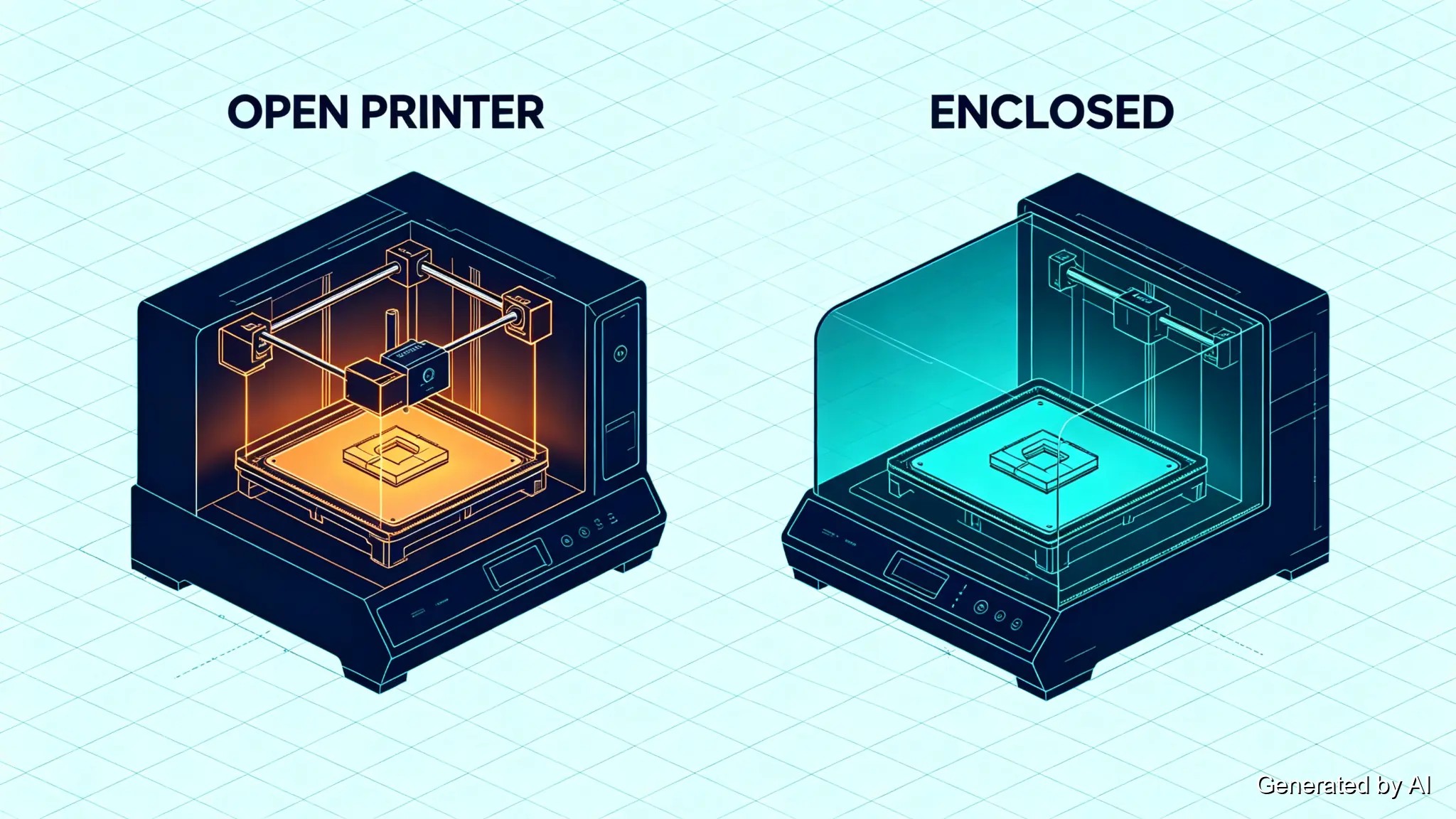
| Minimum practical setup | Enclosure strongly advised | Enclosure advised | Enclosure plus all-metal hot end rated past 300°C |
| Wet-filament symptoms | Popping, stringing, weak layers | Same | Same, and arrives sooner |
| Best first project | Small-to-medium enclosures, brackets | Functional brackets, housings | Small functional parts, once tuned |
ABS warps because shrinking layers pull the corners of a part upward off the bed; the fixes are well known (a heated bed, a brim, an enclosure to slow the cooling) and they work. PC plays the same game with higher stakes: every degree of nozzle and bed temperature is higher, the thermal gradient across each layer is steeper, and the material punishes an under-spec setup with layer splits and curled first layers rather than mere cosmetic warping. PC-ABS sits in between — it tolerates the same fixes as ABS while shrugging off more of the stress that trips up pure PC prints, which is exactly what an alloy is engineered to do.
All three filaments are hygroscopic, and all three betray a wet spool the same way: audible popping at the nozzle, stringing, and layers that snap apart. Drying before printing is part of the workflow for any of them, not an optional extra — and because PC is generally the most moisture-sensitive of the three, its spools need it sooner and more often.
If your current printer cannot hold these temperatures or keep a stable chamber, that is a hardware limitation, not a skill issue. It is the point where choosing a machine rated for these materials, or sending the part to an engineering FDM service, becomes the cheaper path.
Cost: ABS vs PC vs PC-ABS
Upfront, ABS wins the price comparison: commodity-tier spools run well below the other two. PC sits in the engineering tier and typically costs noticeably more per kilogram, while PC-ABS lands in between — closer to ABS than to PC on most price lists, though exact retail prices move with brand and market, so treat any fixed number with suspicion and check current listings.
But material price is the small half of the cost story. The full equation is price × failure rate × tuning time. PC spools cost more and fail more often on under-equipped printers, and every failed print consumes electricity, enclosure heat-up time, and your patience before it consumes filament; a 60%-success PC workflow can cost more per finished part than a 95%-success ABS workflow even before you count the chamber upgrade. PC-ABS narrows that failure-rate gap while keeping material cost near ABS levels — which is also the case where a print service changes the math entirely: printing PC-ABS on a production FDM line with tuned profiles removes most of the failure-rate term.
The PC-ABS Blend as a Production Material
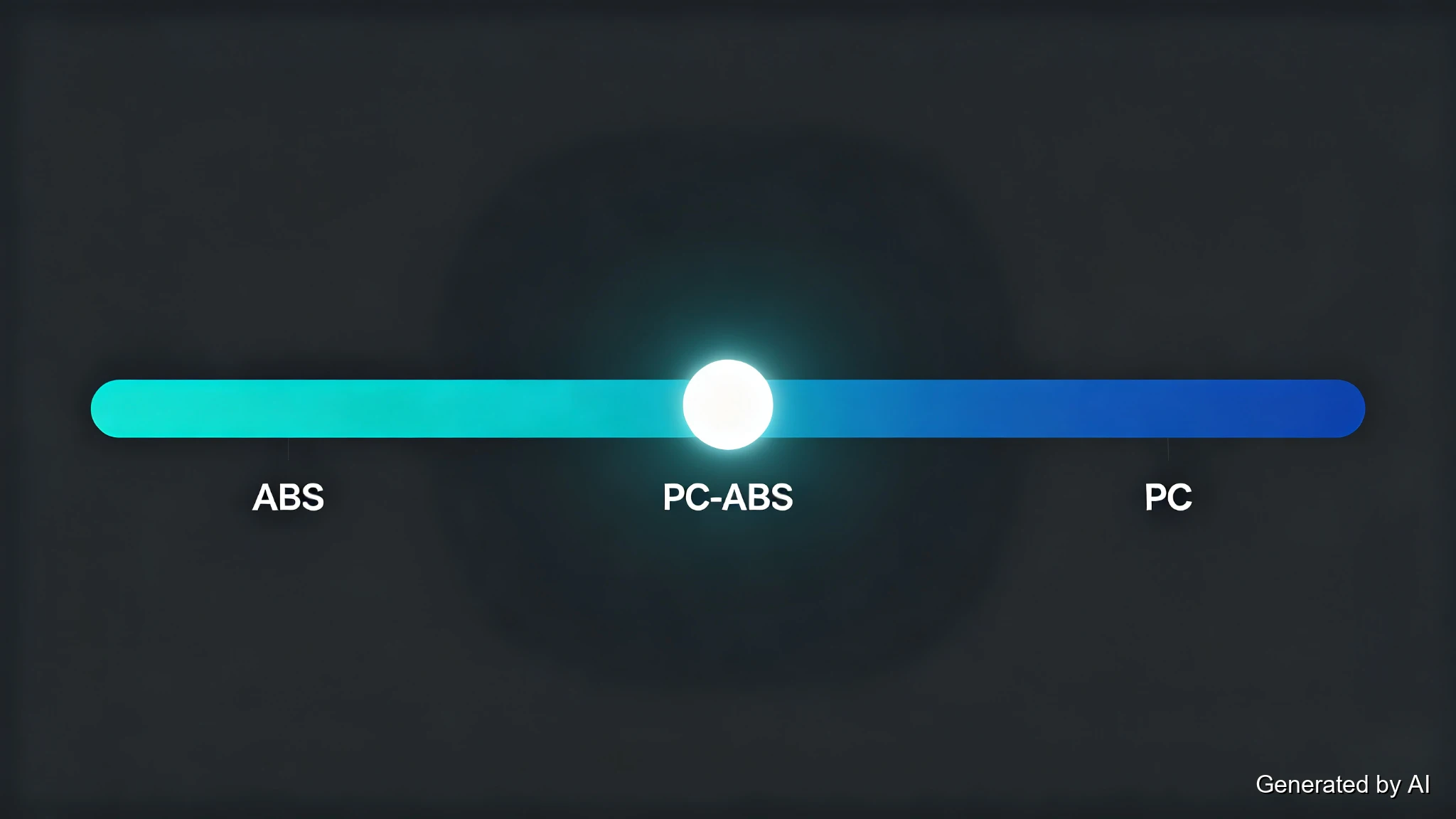
The blend's position in this comparison is easy to state: it prints more forgivingly than pure PC (lower temperatures, less warping) while holding onto most of the heat resistance ABS lacks. For parts that need to survive handling, light heat exposure, and repeated use (tooling jigs, equipment housings, functional brackets), it is frequently the practical answer.
JLC3DP offers PC-ABS as a production FDM material, with lab-tested figures on file: heat deflection temperature 106°C (ISO 75 at 1.8MPa), glass transition 109°C (DSC), and tensile strength 42.7MPa (ISO 527) — figures come from JLC3DP's material testing, with full specifications on the PC-ABS material page. Those numbers sit between the pure materials' typical ranges, exactly as the blend theory predicts, and they arrive backed by production printing rather than hobbyist anecdotes. Test results vary with specimen geometry, print orientation, and process parameters, so treat them as representative of the production process rather than universal constants. Choose the blend when you want one material that covers a range of engineering duties without pushing any single property to its limit.
Which Should You Choose?
| Your priority | Pick | Why |
|---|---|---|
| Low-cost prototypes, general enclosures | ABS | Commodity price, moderate requirements, acetone smoothing |
| Maximum heat and stiffness (brackets, housings near heat) | PC | ~125–130°C deflection, highest rigidity of the three |
| Balanced engineering parts, reliable production | PC-ABS | Blend performance with more forgiving printing — and it is a JLC3DP FDM material |
| Outdoor UV exposure | None of the three — ASA | All weather badly; ASA holds color and strength outdoors |
| Open printer, no enclosure, first printer | PLA or PETG instead | This comparison assumes you can meet the thermal requirements |
One more line belongs in the decision: whichever material you pick, uploading the model for an instant quote costs nothing and returns manufacturability checks plus the full material menu — useful when the answer is closer than expected. JLC3DP prints ABS and PC-ABS via FDM with engineer review before production.
FAQ about ABS vs PC vs PC-ABS
Q: Is PC stronger than ABS?
It depends on which strength you mean. On tensile and flexural strength, the two overlap heavily: typical unfilled grades of both sit in the same broad range, and specific ABS grades can outperform specific PC grades on either number. Where PC pulls ahead is heat deflection (~125–130°C vs ~85–95°C), stiffness, and impact resistance. For strength alone, compare the datasheets of the exact grades; for performance in heat and under impact, PC generally leads.
Q: Is PC-ABS stronger than ABS?
On tensile strength the two are close: JLC3DP's PC-ABS tests at 42.7MPa (ISO 527), within the range typical of unfilled ABS grades. Where PC-ABS clearly beats pure ABS is heat deflection (106°C tested vs ~85–95°C typical) and, in most grades, impact performance, while printing nearly as easily. For maximum stiffness or temperature ceiling, pure PC still leads the three.
Q: Which is cheaper, ABS or PC?
ABS, consistently. It sits in the commodity price tier while PC is priced as an engineering material, typically costing noticeably more per kilogram, with PC-ABS in between. Remember the fuller cost picture: PC's higher failure rate on under-equipped printers can make its per-finished-part cost higher still.
Q: Which is easier to 3D print, ABS or PC?
ABS, by a clear margin. It needs lower temperatures and merely prefers an enclosure, while PC effectively requires one, along with a hotter all-metal hot end and more careful moisture management. PC-ABS prints closer to ABS than to PC. None of the three is a first-printer material; PC is the one that punishes marginal setups hardest.
Q: Can you 3D print ABS without an enclosure?
Small, thick parts sometimes succeed on open machines with a hot bed and a brim, but the failure rate climbs fast with part size and height, and moving air hurts layer adhesion. For anything beyond a small bracket, an enclosure is the cheapest reliability upgrade available.
Q: Is PC-ABS the same as ABS?
No — PC-ABS is an alloy of polycarbonate and ABS, a two-phase blend that combines PC's heat and impact performance with ABS's printability. It prints more easily than pure PC and performs better in heat than pure ABS. JLC3DP offers it as a production FDM material with published test figures.
Q: What is ABS made of?
Three monomers: acrylonitrile (chemical and heat resistance), butadiene (toughness), and styrene (rigidity and processability). The blend of those three personalities is why ABS became the default mass-production plastic of the twentieth century, and why its 3D-printing character is tough-but-warp-prone.
Q: Does ABS or PC warp more in 3D printing?
Both warp; PC generally more, because its higher printing temperatures create steeper shrinkage stresses between layers. The countermeasures are the same for all three (heated bed, brim, an enclosure to slow cooling), but PC stops forgiving omissions much sooner than ABS or PC-ABS does.
The Decision, Restated
ABS vs PC vs PC-ABS is not a ranking; it is a matching exercise. ABS matches cost-driven, printing-ease-driven projects. PC matches performance-driven parts that justify a serious setup. PC-ABS matches the wide middle — and because it is a production FDM material at JLC3DP, the middle ground does not require you to own the machine that prints it. Upload the part, check the numbers, and let the material menu settle the question with data instead of guesses.
Popular Articles
Keep Learning
Nylon vs PETG: Strength, Toughness & Heat Resistance
Note: PETG is included in this article for technical comparison only. JLC3DP does not currently offer or recommend PETG as a printing material. The comparison is intended for educational purposes and should not be interpreted as a JLC3DP material recommendation. Nylon vs PETG is not a contest with a single winner. Nylon generally leads in toughness, wear resistance, fatigue resistance, and higher-temperature applications. PETG is easier to print, easier to store, and more cost-effective for general-pu......
PEEK vs PEKK: Key Differences and How to Choose for 3D Printing
PEEK vs PEKK is a common comparison when selecting high-performance thermoplastics for 3D printing. Both belong to the polyaryletherketone (PAEK) family and offer high strength, thermal stability, and chemical resistance. However, differences in their molecular structures, crystallization behavior, and processing requirements can significantly affect part performance and manufacturing. PEEK has a long history in demanding industrial applications, while PEKK offers a range of grades with different melt......
Resin vs Filament 3D Printing: Which One Should You Choose?
Getting into 3D printing can feel a little like opening a toolbox without knowing what half the tools do. If you’ve ever stood between a resin printer and a filament printer, scratching your head, wondering which one’s for you, you’re not alone. Resin vs filament 3D printing is one of the most common beginner dilemmas. Each has its pros, cons, quirks, and learning curves. And choosing the right one can make all the difference in how enjoyable and successful your 3D printing journey becomes. In this gu......
Resin vs Filament: Which is Better for 3D Printing?
Resin printing and filament printing (FDM) are the two most widely used methods in 3D printing. To help you make an informed choice, this article will compare the two printing methods in detail from the perspectives of materials, resolution and quality, speed, ease of use, price, etc. If you don't have a 3D printer yet and just want to compare the two printing methods first, JLC3DP can meet your needs. Just upload your 3D model to our platform, choose the printing method and corresponding materials yo......
ABS vs PLA: Which Filament Should You Print?
Key Takeaways The ABS vs PLA choice is a trade between certainty and headroom: PLA prints easily, precisely, and cheaply; ABS survives heat, absorbs impact, and can be smoothed with acetone, but it makes you earn every print. Warping is the deciding pain: ABS parts curl as layers shrink unless you print in a heated, enclosed chamber; PLA barely warps on the same machine. "Stronger" splits into three answers: ABS is stiffer and tougher, but well-printed PLA holds layer-to-layer more consistently — pick......
ABS vs PC vs PC-ABS: Which Is Best for 3D Printing?
Key Takeaways The ABS vs PC vs PC-ABS decision comes down to one trade: PC gives you roughly 35–40°C more heat resistance and higher stiffness; ABS prints more easily and costs less; PC-ABS trades a little of each extreme for the most balanced printing experience. PC leads on heat resistance (~125–130°C vs ~85–95°C for ABS) and stiffness, with impact resistance as its signature trait — "strongest" depends on which property and grade you compare — but it demands the hottest, most enclosed, least forgiv......