How to Print TPU Filament: Settings and Troubleshooting
13 min
- What Is TPU?
- Is TPU Hard to Print?
- TPU Print Settings: Where to Start
- Dry Your TPU First: Moisture and Storage
- Common TPU Printing Problems and Fixes
- What Do People Print with TPU?
- When Desktop Tuning Stops Paying Off: Industrial TPU
- FAQ about TPU 3D Printing Guide
- TPU Without the Fear
Key Takeaways
- TPU is printable on ordinary FDM hardware. The material bends instead of breaking, but it punishes settings tuned for PLA — four changes (print slowly, print dry, retract gently, keep the filament path short) turn it into a routine material.
- Difficulty tracks Shore hardness. A 95A TPU prints readily on most FDM machines; 85A and softer grades demand a direct drive extruder and patience.
- TPU print settings start around a 210–230°C nozzle, 20–40mm/s speed, and minimal retraction — the full starting table is below, and the spool's label always wins over any table.
- Moisture is the quiet killer. Wet TPU strings and under-extrudes no matter what you tune; dry the spool before blaming the printer.
- Stringing, gear grinding, and prints that refuse to leave the bed all have specific fixes — most "bad TPU" is a settings problem, not a material problem.
TPU is the filament you reach for when a part has to bend instead of break: a gasket that seals for years, a phone case that survives drops, a drone bumper, a hinge that flexes a thousand times. On paper it prints like any other filament. In practice it has a reputation for ruining afternoons, and the reputation is earned honestly — a soft strand behaves differently inside an extruder than a stiff one, and settings optimized for PLA work against it at every step.
The fix is smaller than the reputation suggests. Four changes make TPU routine: print slowly, print dry filament, retract gently, and give the strand a short path to the nozzle. Everything else on this page — the settings table, the moisture routine, the troubleshooting fixes — hangs off those four.
What Is TPU?
TPU (thermoplastic polyurethane) is a rubber-like thermoplastic: it can be melted, extruded, and solidified like any filament, yet the finished part behaves like rubber — it flexes, compresses, and returns. That combination is the whole point. Most plastics are either stiff or not printable; TPU is the common case of both at once.
Flexible filaments are graded on the Shore A hardness scale, and the number on the spool tells you two things at once — what the part will feel like, and how hard the print will be:
- 95A is the firm end of common TPU. Wheels, drone parts, tool grips. It feeds almost like a stiff filament and forgives ordinary settings.
- 85A is gasket-soft. Seals, watch straps, soft-touch surfaces. It wants a direct drive extruder and a slow pace.
- Below 85A the material increasingly belongs to specialized setups; soft grades are where TPU's reputation comes from.
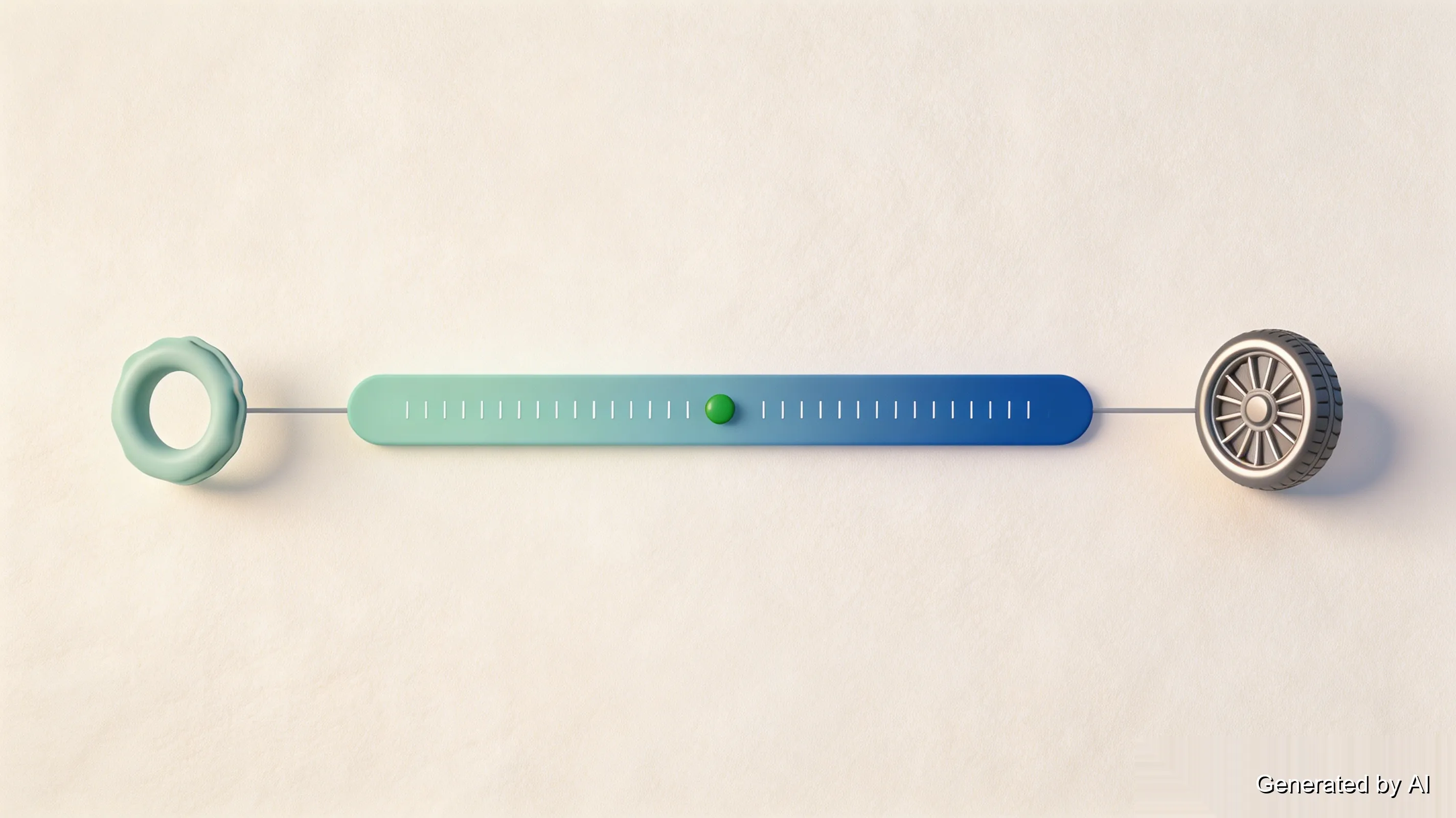
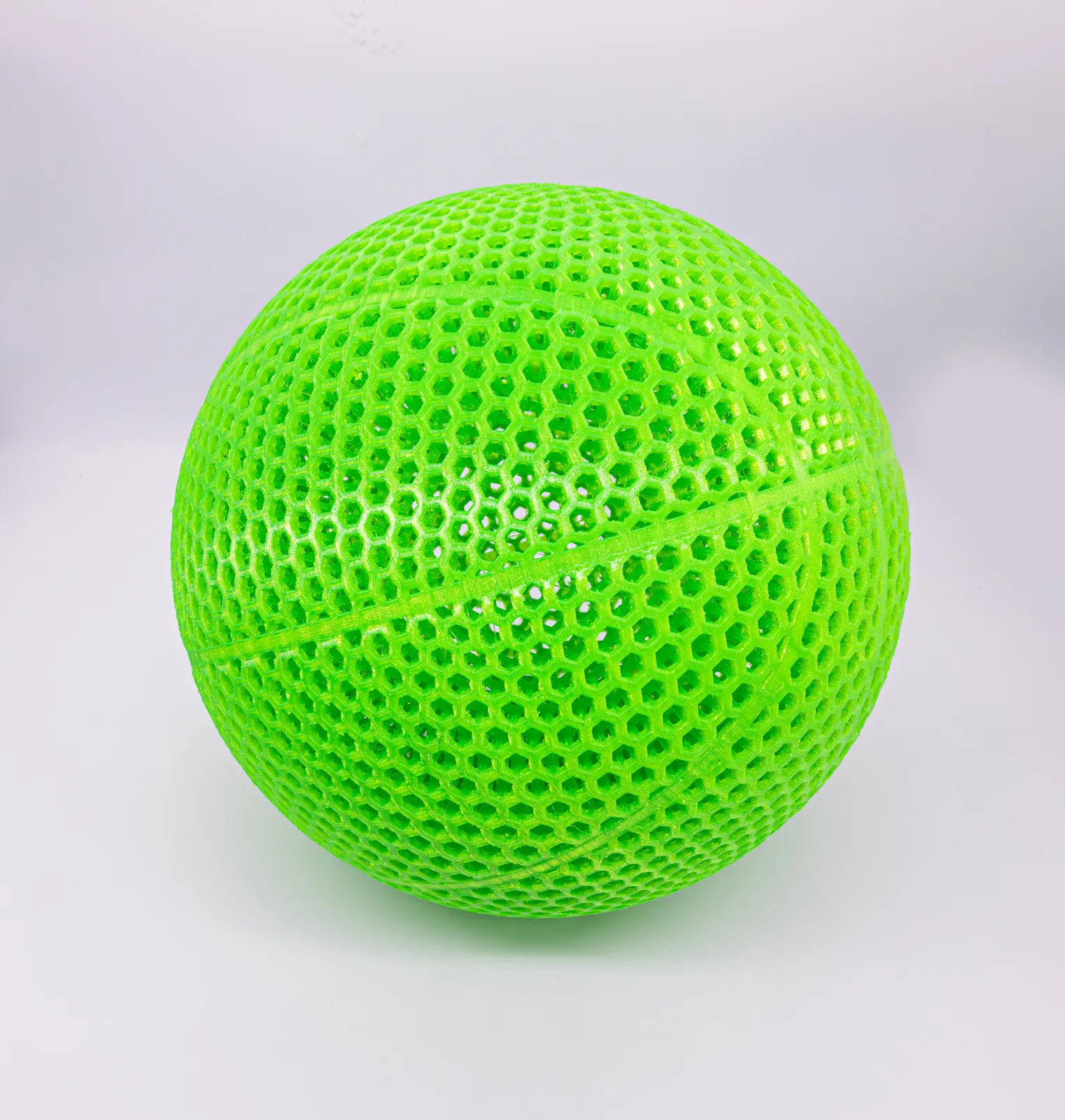
Shore hardness also drives real application decisions — the difference between a 95A and an 85A part is the difference between a bouncy wheel and a compliant seal, a choice our TPU basketball materials comparison works through with actual printed parts. And the hardness scale spans materials, not just TPU grades: PEBA, another flexible filament in our FDM material range, sits a step softer at 85A, giving designers who need more give than 95A TPU a place to go. This page is about the printing process itself.
Is TPU Hard to Print?
The honest answer is two questions back: how soft is your TPU, and what is feeding it?
A 95A spool on a direct drive printer is straightforward work. An 85A spool on a Bowden machine is where afternoons go to die. The variable in between is the extruder, so it deserves a proper explanation.
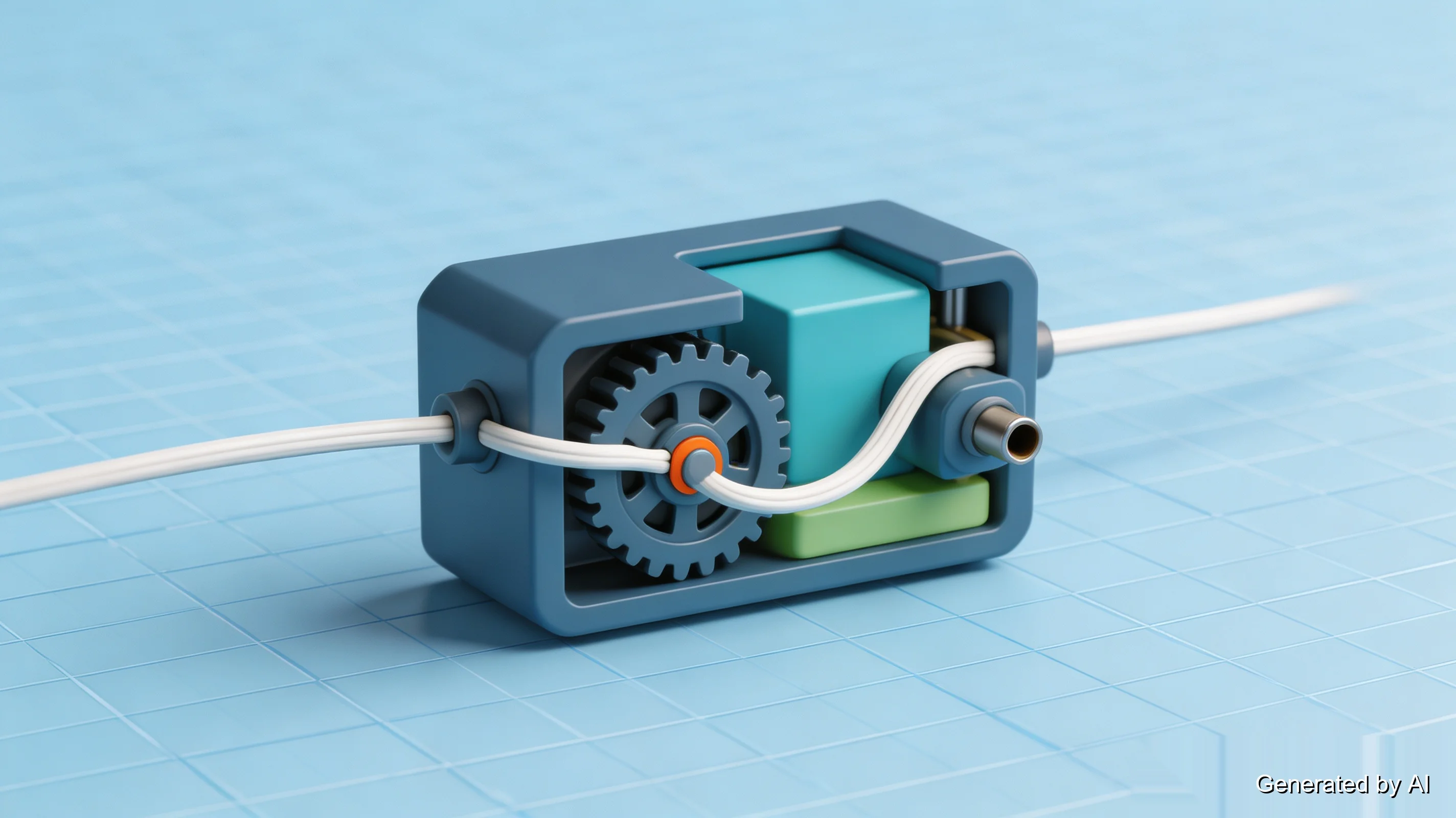
Your extruder pushes filament with a pair of gears. A stiff filament rod transmits that push along the full length of a Bowden tube — the drive gears can sit far from the nozzle and the rod still arrives. A soft TPU strand does not transmit push; it compresses. Send it down a long tube and the strand buckles slightly with every push, the gears lose their bite and begin to grind the filament instead of moving it, and the printer reports under-extrusion while you watch a slowly starving first layer. A direct drive extruder mounts the gears right above the nozzle, and the short, stiff path is the single biggest hardware factor in TPU printing.
If your machine is Bowden, three mitigations get workable results. Drop the speed to 30mm/s or below, so each push is gentle. Make sure the spool unrolls with near-zero resistance — any drag at the spool becomes compression inside the tube. And when loading the filament, help it through: issue an extrude command from the menu and press the strand into the gears by hand at the same time, because a soft tip buckles at the tube entry before the distant gears can pull it through.
Enclosures, for the record, are mostly beside the point for TPU. Warping is not its failure mode the way it is for ABS, and a draft will not ruin a print. TPU's enemy is water, which gets its own section below.
TPU Print Settings: Where to Start
The settings interact, so treat the table as a starting point rather than a recipe — the spool's printed label outranks anything published anywhere, including here.
| Setting | Starting range | Why it sits there |
|---|---|---|
| Nozzle temperature | 210–230°C | Low end under-extrudes; high end strings |
| Bed temperature | 30–50°C | TPU grips well — some prints need no heat at all |
| Print speed | 20–40mm/s | The single most important setting on the list |
| Retraction | Minimal — around 1mm or less on direct drive | Long retraction is what wraps filament around the gears |
| Part cooling fan | Low or off | Layer bonding matters more than surface finish |
| Layer height | 0.15–0.2mm | Ordinary values work; no reason to deviate |
Speed earns its place as the headline. Every millimeter of flexible filament spends time being squeezed between gears and dragged through a melt zone, and the faster that happens, the more the strand compresses instead of moving. Slow is not a workaround for cheap machines; it is how the material behaves. Many TPU problems disappear at 25mm/s with no other change.
Retraction is the counterintuitive one. Stringing looks like a retraction problem, so people increase the distance — and on TPU that makes things worse, because each long pull flexes the strand inside the extruder and eventually winds it around the drive gears. Keep the distance short, raise the retraction speed, and let the temperature and dryness of the filament handle the stringing instead.
Temperature balances two failure modes. Toward 210°C the material stiffens in the melt zone and under-extrudes; toward 230°C it runs and leaves hairs between travels. Start in the middle, look at the first solid layer, and move in 5°C steps.
Bed adhesion inverts the usual problem. TPU bonds to a clean PEI sheet so well that removing a flat part can tear it — the fix is a glue stick, used as a *release* layer, which is the opposite of how glue sticks are used for most filaments. (If a print ever fights back, see the removal fixes below.)
Dry Your TPU First: Moisture and Storage
TPU absorbs water from the air eagerly — think nylon, not PLA. A spool that sat out for a week in a humid room is wet enough to misbehave, and wet TPU announces itself in three ways: stringing that ignores every setting change, patchy under-extrusion, and a faint hissing or popping as steam escapes the nozzle.
Dry the spool before printing it. A dedicated filament dryer or a kitchen oven at a low setting (typically 50–60°C for a few hours) does the job — follow the temperature printed on the spool, because grades differ. For storage, the rule is simple: sealed container, desiccant, and dry again before use if the spool has been out for more than a day or two. The full routine — dryers, ovens, how long per material — is in our filament storage and drying guide.
Common TPU Printing Problems and Fixes
Stringing and oozing. The most common TPU complaint, and the fix follows a strict order. First dry the filament — wet TPU strings regardless of settings, and no amount of tuning compensates. Then drop the nozzle temperature 5–10°C inside the printable range. Then check retraction: shorter distance, faster speed, and enable the wipe option if your slicer offers it, so the nozzle drags its ooze into the model instead of stringing it across travels.
Under-extrusion and a grinding or clicking sound. The drive gears are crushing the filament instead of moving it. Slow the print down another notch, confirm the spool turns freely on its holder, and check the extruder's tension arm — too loose and soft filament slips, too tight and it flattens. If the nozzle has already jammed with a softened plug, a cold pull clears it the same way it does for any filament.
Filament wrapped around the drive gears. The signature TPU failure on Bowden setups, and retraction distance is nearly always the cause. Cut the wound filament free, reduce retraction to the minimum your printer tolerates, and watch the first ten minutes of the next print — the wrap builds quietly and announces itself as under-extrusion once it has slipped.
The print will not come off the bed. Adhesion is TPU's strength working against you. Let the bed cool fully — TPU releases far more readily cold than warm. A little isopropyl alcohol wicked under one edge with a flexible spatula breaks the seal, and next time, a glue-stick release layer or a cooler bed prevents the wrestling match.
What Do People Print with TPU?
Sorted by hardness, because that is how the material is actually chosen:
In the 85A zone — compliant seals and gaskets, watch straps, soft-touch grips and overmolds, cable protectors, bumpers that have to absorb a hit. Anything where the part's job is to conform or cushion wants the softer grade, accepting the slower, more careful print.
In the 95A zone — wheels and rollers, drone frames and prop guards, vibration-damping mounts, hinges that flex instead of snap, brackets that take a load and give a little. The firmer grade prints almost politely and still bends where a PLA part would have cracked outright.
Between the two zones sits most of the flexible-part universe, from phone cases to cable clips to shoe midsoles. If you are browsing for ideas rather than solving a specific problem, the hardness section above is the decision that matters first — pick the shore value for the job, and the printing follows.
When Desktop Tuning Stops Paying Off: Industrial TPU
Desktop FDM's sweet spot with TPU is exactly one thing: a single part, iterated by hand, tuned by the person who needs it. The moment elastic parts become a *batch* — fifty seals for a product run, a family of vibration mounts, functional prototypes heading toward production — the per-part tuning stops being interesting and starts being expensive.
That is the case for an industrial TPU service. TPU at scale runs on industrial FDM equipment: the settings that take an afternoon to dial in on a desktop machine are locked, validated profiles there, so a batch of fifty seals prints the same way every time, with no drive-gear untangling on anyone's calendar. Build volume scales up as well — industrial FDM machines handle elastic parts past half a meter, beyond what a desktop printer can reach.
The practical split is easy to state: prototype on the desktop, produce on the service. If your elastic part is past the tinkering stage, you can upload it for an instant quote — dimensions, wall thickness, and weight are checked automatically, and an engineer reviews the model before production.
One last practical note for daily handling: TPU is a urethane, and questions about skin contact, fumes, and toxicity have solid answers — collected in our TPU safety guide.
FAQ about TPU 3D Printing Guide
Q: What temperature does TPU melt at?
TPU has no sharp melting point. It is a block copolymer, so it softens gradually across a range — which is why "printing temperature" for TPU means a window, typically 210–230°C, rather than a number. How hot a finished part can get in service varies by hardness grade and formulation; the spool or manufacturer datasheet is the source that knows.
Q: What is the difference between 95A and 85A TPU?
About one shore-hardness step of softness — the difference between a firm wheel and a compliant gasket. 95A resists deformation and prints easily; 85A conforms more and needs the slower, gentler treatment described above.
Q: Is TPU the same as flexible filament?
TPU is the most common flexible filament, but the family also includes TPE and soft PLA, which trade softness against printability differently. The comparison table in our flexible filament types guide covers the lineup.
Q: Can you print TPU on any 3D printer?
Most FDM printers can print TPU, with the extruder deciding how pleasant the experience is. Direct drive machines handle even soft grades comfortably; Bowden machines manage firmer TPU at reduced speed with careful retraction.
Q: Does TPU need to be dried before printing?
If it has been exposed to humid air for more than a few days, yes. The symptoms of wet TPU — stringing, under-extrusion, hissing — look like printer faults but are moisture. Drying at 50–60°C for a few hours restores normal behavior.
Q: Is TPU food safe?
Not by material choice alone. Food safety depends on the compound, the printing process, and post-processing — layer lines harbor bacteria regardless of polymer. For food-contact parts, use materials certified for that purpose rather than generic TPU.
TPU Without the Fear
TPU's difficulty is real but narrow: it lives in speed, retraction, and moisture, and all three are settings rather than hardware for most printers. A firm 95A spool, dried and fed at 25mm/s, prints like an unremarkable weekday material. When the job outgrows the desktop — elastic parts in quantity, with batch consistency that matters — that is what an industrial TPU service is for.
Keep Learning
Is PETG Toxic to Print? Fumes, Risks & Safety Guide
Key Takeaways PETG is generally considered a lower-emission 3D printing material compared to ABS and ASA, but it does produce VOCs and ultrafine particles during printing. The odor during PETG printing is typically mild, some people barely notice it, others describe a faint warm-plastic smell. Low odor doesn't mean zero emissions. Ventilation is still a sensible precaution. PETG food safety is complicated, the material itself may be food-grade in some formulations, but the printing process introduces ......
Top 5 Heat-Resistant 3D Printing Filaments Compared
When Regular Filament Just Doesn’t Cut It You’ve 3D printed a functional bracket for a car engine bay. It fits perfectly, looks great, and then warps into a banana-shape after a week under the hood. That’s the danger of underestimating heat. If you're building automotive components, enclosures near motors, molds, or even kitchenware, using the wrong filament can lead to deformation, brittleness, or outright failure when exposed to heat. So, you already know the solution: Choosing the right heat-resist......
PLA Temperature Resistance: Heat Resistance, Softening & Melting Point
Key Takeaways PLA typically starts losing rigidity around 55–65℃ (Tg) and melts at approximately 150–180℃. PLA can deform and creep long before it melts, so melting point is not a practical service-temperature limit. Actual PLA deformation depends on temperature, load, geometry, print orientation, and exposure time. Standard PLA becomes increasingly risky above 50–60℃ and is generally unsuitable for sustained 70–80℃ applications. PLA+ heat resistance varies by formulation. For higher-temperature appli......
PETG Temperature Resistance: Limits & Comparison with PLA/ABS/ASA
Key Takeaways Standard PETG is best suited for continuous use below ~60℃; performance can decline as temperatures approach 70℃. PETG typically has a Tg of ~75–85℃ and an HDT of ~65–75℃, depending on the material grade and test conditions. HDT is not a maximum service temperature—load, print orientation, wall thickness, geometry, and exposure time all affect real-world performance. PETG offers better heat resistance than PLA but lower heat resistance than ABS, ASA, PA12-CF, PC, and PEEK. For sustained ......
How to Print TPU Filament: Settings and Troubleshooting
Key Takeaways TPU is printable on ordinary FDM hardware. The material bends instead of breaking, but it punishes settings tuned for PLA — four changes (print slowly, print dry, retract gently, keep the filament path short) turn it into a routine material. Difficulty tracks Shore hardness. A 95A TPU prints readily on most FDM machines; 85A and softer grades demand a direct drive extruder and patience. TPU print settings start around a 210–230°C nozzle, 20–40mm/s speed, and minimal retraction — the full......
What Is 3D Printer Filament? Types and How to Choose
Key Takeaways 3D printer filament is the thermoplastic strand an FDM printer melts and deposits layer by layer. Two diameters dominate: 1.75mm mainstream, 2.85mm second. The main types of 3D printer filament sort into five practical groups — easy and rigid (PLA), tough and balanced (PETG), heat-resistant (ABS/ASA), flexible (TPU), engineering-grade (nylon, PC, PEEK) — plus composites and soluble support materials. Choosing comes down to four properties: strength versus stiffness, heat resistance, flex......